

Tidy Room Game Walkthrough – Level Guides & Tips
Video walkthroughs and written steps for every Tidy Room level we could find.
This is a fan-made guide. It is not affiliated with Circle Games.
About the game
Tidy Room! is a hidden-object sorting puzzle from Circle Games, listed on the App Store under Circle Games Teknoloji Anonim Sirketi. It launched on the US App Store on November 18, 2026, and is free on iPhone and iPad (iOS 15 or later), with an Android version on Google Play under com.CircleGames.TidyRoom. Within ten days it had climbed to number four in the US Casual chart with a 4.8 rating.
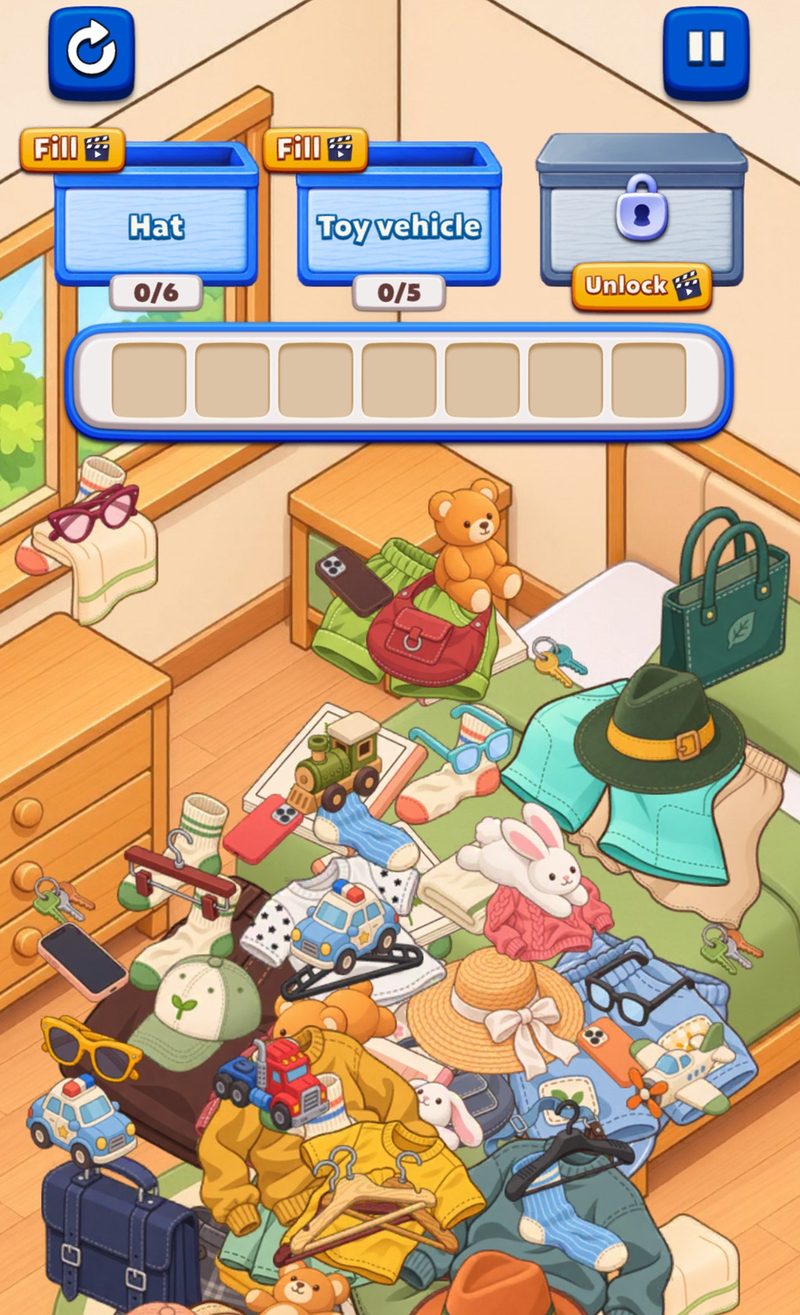
Every level drops you into one messy, hand-drawn room — a study, a bedroom, a kitchen, a home cinema — with a row of baskets at the top. Each basket names a category and a target such as Vegetable 0/7. You tap matching items in the room, they fly into the basket, and the clutter thins out. Anything you tap that no open basket wants waits in a small tray, and if the tray fills up the level is lost.
This fan-made Tidy Room walkthrough collects a written guide and an attributed YouTube video for every level that has a public walkthrough. Because the game is brand new, that is levels 1 to 9 today. We add pages as new videos appear, and we never publish an empty level page.
- Publisher
- Circle Games
- Platform
- Android · iPhone · iPad
- iOS release
- November 18, 2026
- Guides on this site
- 9 levels with video walkthroughs
- Updated
- Store
- App Store
 · Google Play
Game screenshots
Circle Games · App Store screenshots
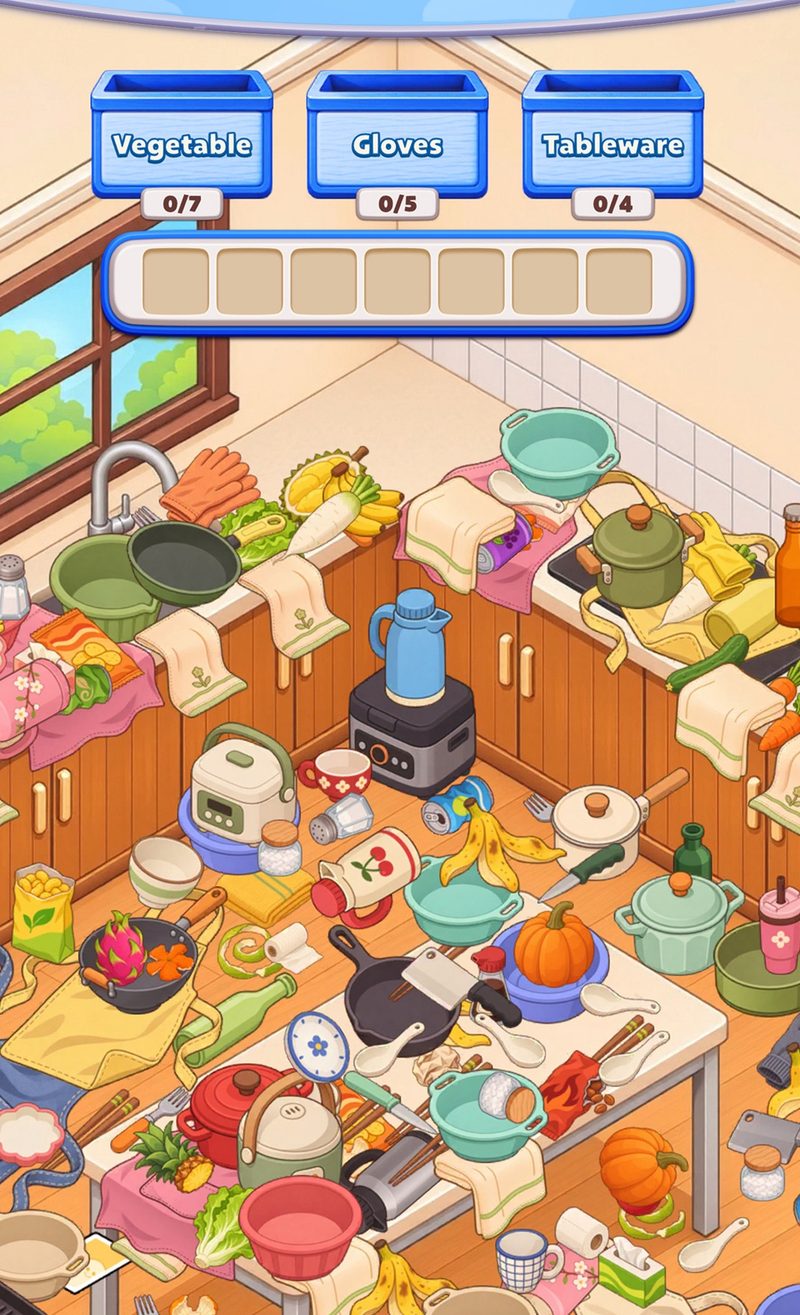
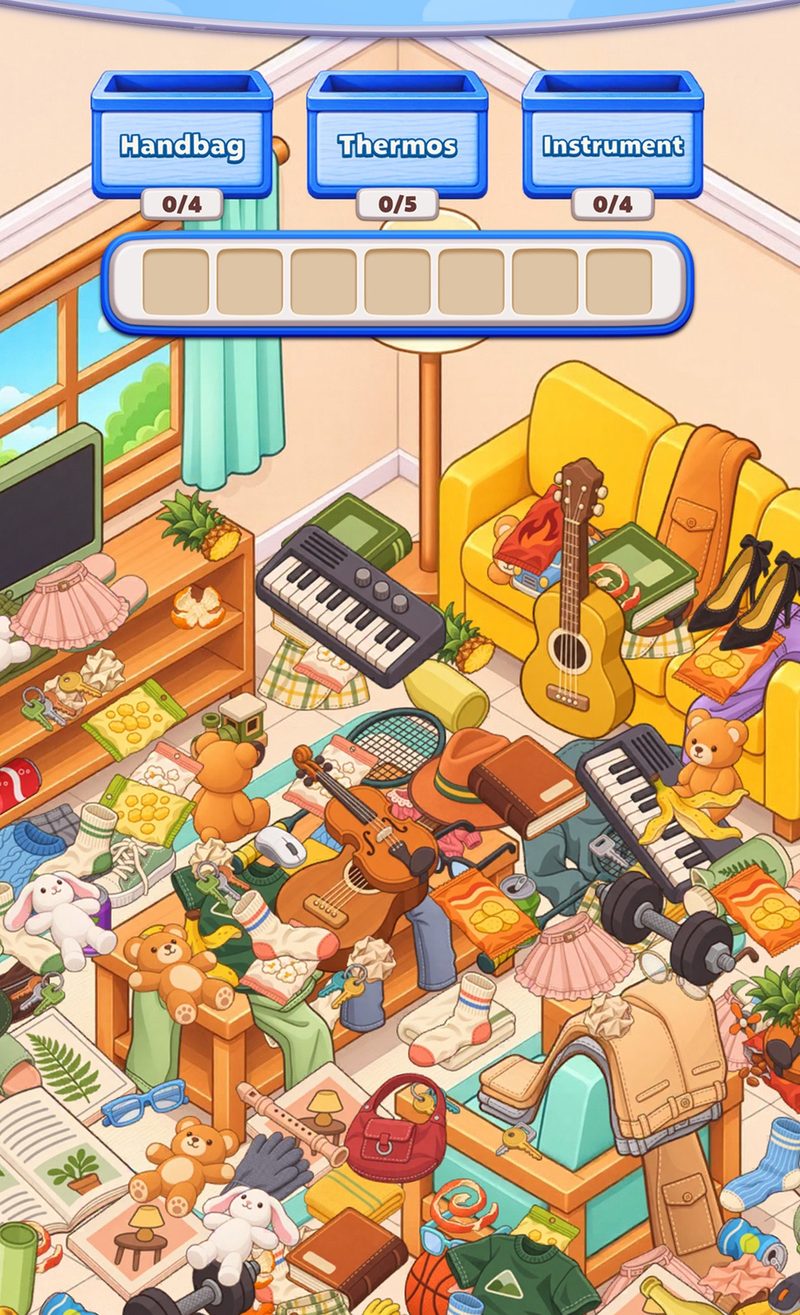
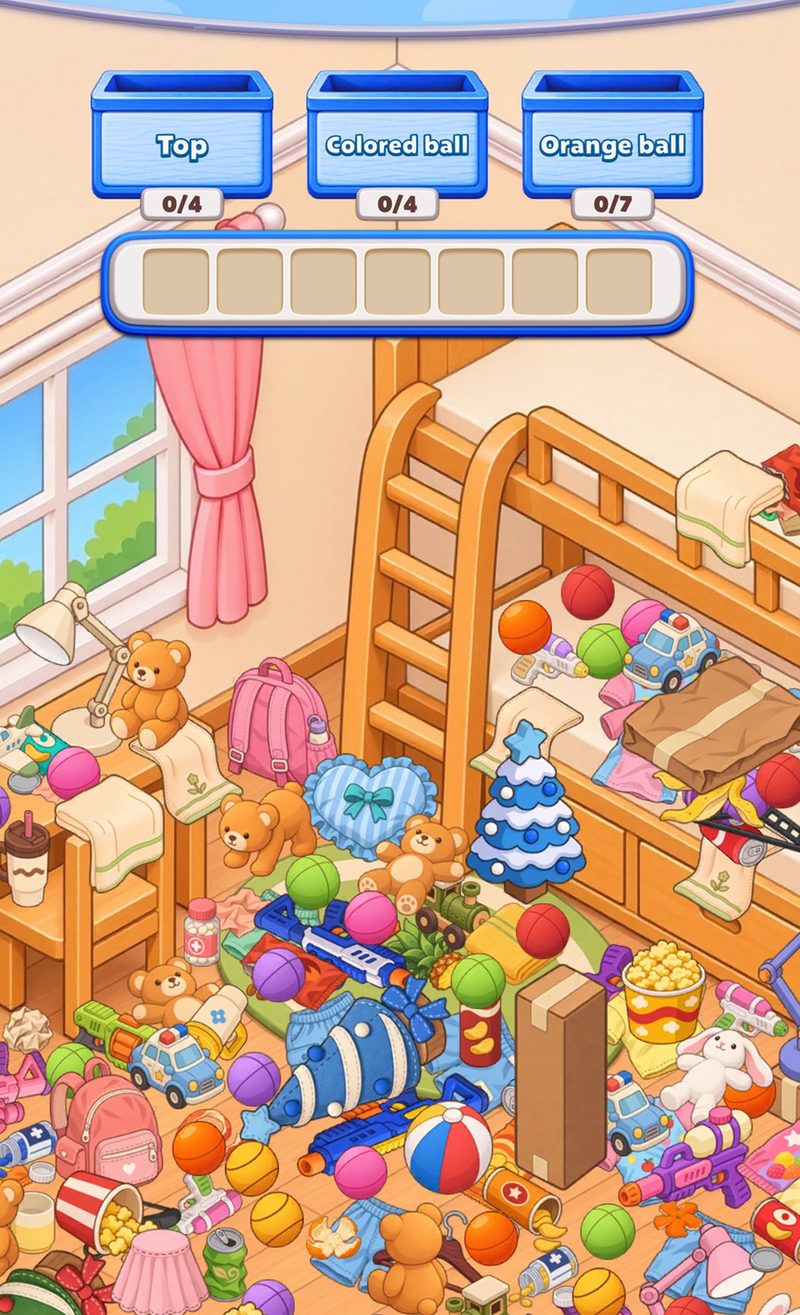
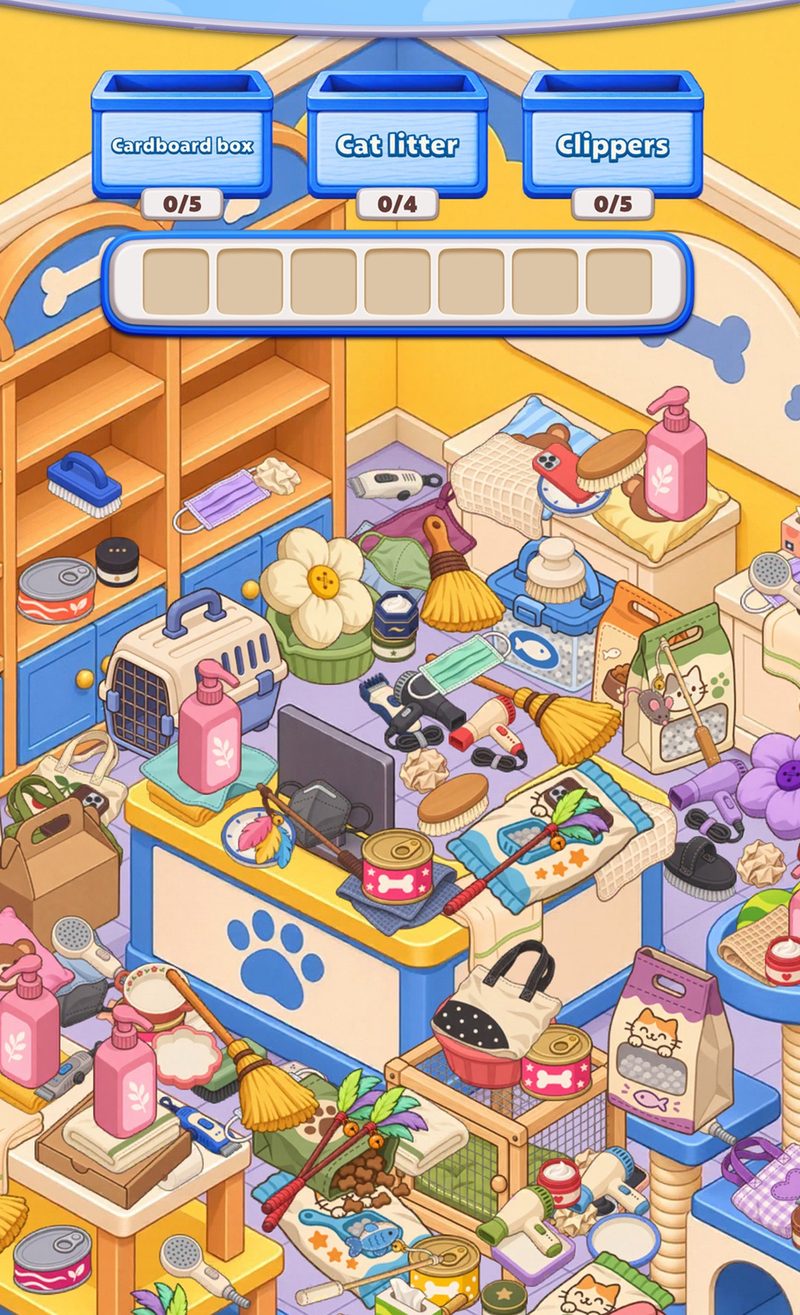
How to play Tidy Room
Start each level by reading the baskets, not the room. Two baskets are open at the top of the screen and a third sits behind a padlock. Each open basket shows a category name and a counter. That counter is the whole goal: when it reaches its target the basket glows, a check mark appears, and a new basket with a new category slides into its place.
Then look for items of those categories that sit on top of the piles. Tidy Room stacks objects on top of each other, so a sock may be half buried under a pair of jeans or a cup may be hidden behind a pot. Tapping the top items first opens the pile and shows what was underneath. The store description puts it simply: the fun is in the order — what do you pick up first?
Below the baskets runs the tray. In the walkthrough videos it has seven slots, the last two marked with a video icon and locked until you watch an ad, so most players work with five. An item that matches an open basket goes straight in; an item that does not waits in the tray until a basket asks for it. If all free slots fill, the level ends and you start the room again.
There is no countdown. You can look around for as long as you like before each tap, and the most reliable way to finish a room is to tap slowly, only when you are sure an item belongs to a basket you can see.
Key features
Illustrated rooms are the heart of the game. The first nine levels move through a study corner, a bedroom covered in clothes, a living room with a guitar and keyboard, a classroom, a kitchen, a home cinema with red seats, a kids' playroom with a slide, a pet room and a party and game room. Each room has its own family of objects, so the categories change with the setting.
Baskets rotate as you play. Level 1 in the video asks for only five categories, but level 9 cycles through about twenty-five, from game console and candy jar to record, microphone and radio. Because a filled basket is replaced straight away, you never see the whole shopping list at once.
The game is free to play with ads and in-app purchases. The US store lists coin packs from $1.99 for 1,000 coins to $29.99 for 25,000 coins, and several No Ads options between $5.99 and $19.99. The age rating is 4+, the download is about 490 MB, and the interface is available in English plus 39 other languages, including Simplified Chinese, Spanish, Portuguese and Japanese.
Game functions and buttons
The restart button at the top left starts the room over, and the pause button at the top right opens the menu. Above each open basket a small Fill tag with a video icon appears in the videos; it lets you complete that basket after watching an ad. The padlocked third basket has an Unlock tag, which also uses an ad and gives you a third category to work on at the same time.
The two locked tray slots work the same way: watch an ad to open them for that level. One App Store review complains that extra slots bought with coins do not carry over, and that a level pays about 20 coins, so treat boosters as a rescue for the last few items rather than something to rely on.
When the tray is close to full, a slot turns red in the videos as a warning. That is the moment to stop tapping new items and look for anything already in the tray that an open basket now wants.
Difficulty and level types
Difficulty grows with the number of categories and the depth of the piles. In the walkthrough videos level 1 takes about half a minute and level 2 about three and a half minutes, while levels 3, 4 and 5 run for twelve to fourteen minutes and levels 6 to 9 for eight to ten minutes. One reviewer wrote that they sat down to finish a room in five minutes and had played two levels two hours later.
We mark a level as hard when the video shows nineteen or more categories or runs past roughly twelve minutes. Today that means levels 3, 4, 5, 8 and 9. Levels 1, 2, 6 and 7 are marked normal, though every room rewards patience.
Players also search for later numbers such as tidy room level 13, 20, 30, 33, 45, 59 and 65. Those levels do not have public walkthrough videos yet. Some videos titled with those numbers belong to a different game called ASMR Unpacking: Tidy Room, so we do not use them.
General Tidy Room tips
Fill one basket at a time. A basket that completes is replaced by a new category, which can turn items already sitting in your tray into useful ones.
Clear piles from the top down. If an item you need is half hidden, tap the things lying on it only when they also belong to an open basket; otherwise you are spending tray slots to dig.
Learn the look-alikes. Players report mixing up a dish cloth and a towel, and the names on the baskets do not always match what everyone calls an object at home. The level pages list the confusing pairs we saw in each room.
- Read both baskets before you tap.
- Keep two of the five free tray slots empty.
- Re-scan the room every time a basket changes.
- Save Fill, Unlock and extra slots for the last few items.
Common problems and fixes
The tray filled up. This is the usual way to lose. Restart and play the opening again, tapping only items that match an open basket. If you need to dig, choose pieces of junk that also count for a basket.
I cannot find the last item. Zoom your attention to the edges of the room and under large objects such as beds, sofas and pots. If you are still stuck, the video on the level page shows where it was in that layout, or you can use the Fill tag to finish the basket.
I tapped the wrong thing. Some objects look alike. Check the category name again and compare the item with others the basket already took. The level pages list the pairs that caused the most trouble in each room.
Too many ads. Ads support the free version, and the store sells No Ads packs. Boosters such as Fill, Unlock and the locked tray slots also ask for an ad each time.
My progress or coins look wrong. The store page does not describe cloud saves. Make sure you are using the same device and the same store account, and update to the latest version.
FAQ
What is Tidy Room?
Tidy Room! is a free puzzle game from Circle Games where you tidy messy rooms by finding the items each basket asks for, without letting the tray overflow.
Is Tidy Room a real game or just a cleaning tip?
Both phrases exist. This site is about the Tidy Room! mobile game on iPhone, iPad and Android, not about tidying tips for your own home.
When did Tidy Room come out?
The US App Store listing went live on November 18, 2026. The game is also on Google Play.
How do you play Tidy Room?
Tap items that match the category on an open basket. Matching items go into the basket; others wait in a tray. Fill every basket before the tray runs out of slots.
How many levels does this walkthrough cover?
Levels 1 to 9, which are all the levels with a public walkthrough video right now. New levels are added when videos appear.
Is there a timer in Tidy Room?
No. The store description says there is no countdown, so you can take as long as you need between taps.
Can I play Tidy Room online in a browser?
We have not found a browser version from Circle Games. The game is listed on the App Store and Google Play.
Is this site affiliated with Circle Games?
No. It is an independent fan-made guide with attributed YouTube videos and original written steps.